

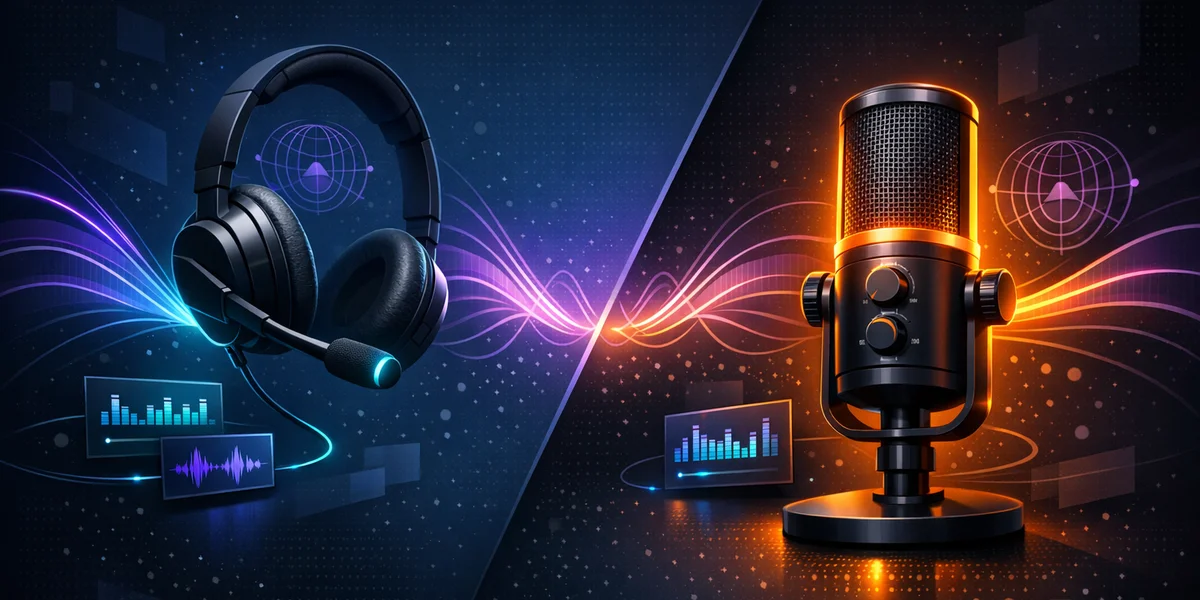
Direct answer — What is the best microphone for voice dictation in 2026? For most people, the best microphone for dictation in 2026 is a USB headset or gooseneck microphone with a cardioid (directional) pattern kept 2-5 cm from your mouth. Close, consistent, directional capture gives speech-to-text software the clean audio it needs, so you get higher accuracy and fewer corrections than any laptop or webcam mic.
Choosing the right dictation microphone setup improves accuracy more reliably than switching software. Your voice typing microphone is the first link in the chain: if the audio arriving at your speech-to-text engine is noisy or inconsistent, no amount of clever recognition can fully recover it. This guide compares headset, USB desk and studio options, explains the specifications that actually matter for dictation audio quality, and shows how to position your gear for the cleanest possible signal.
Why does the microphone matter more than the software?
The microphone matters because speech recognition can only work with the audio it is given. A directional microphone close to your mouth raises the signal-to-noise ratio (SNR) — the loudness of your voice compared with background noise — which is the single biggest driver of recognition accuracy.
Peer-reviewed research on directional microphone technology found that directional pickup consistently improved speech recognition in noise, delivering signal-to-noise gains of roughly 3-8 dB over omnidirectional designs. Those decibels translate directly into fewer misheard words.
This applies to every engine, cloud or local. Because Weesper Neon Flow runs speech recognition entirely offline on your device using whisper.cpp — an open-source speech recognition engine that processes audio locally instead of sending it to a server — the transcript quality depends heavily on the audio you feed it. A better microphone is the cheapest accuracy upgrade you can buy.
Voice dictation is the process of converting spoken words into written text using speech recognition. Unlike a voice assistant that executes commands, a dictation tool focuses solely on accurate transcription — so audio clarity is everything.
What specifications actually matter for dictation?
Three specifications matter for dictation: polar pattern, proximity, and signal-to-noise ratio. Ignore studio metrics like ultra-flat frequency response — they add cost without improving speech-to-text.
- Polar pattern: A cardioid pattern is heart-shaped, most sensitive at the front and least at the sides and rear. It focuses on your voice and rejects room noise, keyboard clatter and echo.
- Proximity: The closer the capsule sits to your mouth, the stronger your voice is relative to the room. A boom or gooseneck arm keeps that distance constant so volume never drifts.
- Signal-to-noise ratio (SNR): Aim for 60 dB or higher. A higher SNR means your voice sits well above the mic’s own hiss and the ambient noise floor.
Directional microphones also benefit from what audio engineers call the distance factor: a cardioid pattern tolerates a noticeably greater working distance than an omnidirectional mic while keeping the same noise rejection, so the same cardioid capsule isolates your voice far better than a non-directional one at an equivalent distance.
USB or XLR: which connection should you choose?
Choose USB for simplicity. USB microphones plug directly into your Mac or Windows PC with no audio interface and no gain-staging, which is ideal for USB microphone dictation. XLR gives finer control and future upgrades but needs an interface — worthwhile only if you already record audio for other reasons.
Which type of microphone is best for your setup?
The best type depends on how you work. A headset for voice typing wins for hands-free, all-day dictation; a gooseneck or desk mic suits users who dislike wearing anything; built-in laptop mics should be a last resort. The comparison below summarises the trade-offs.
| Microphone type | Noise rejection | Positioning | Typical price | Best for |
|---|---|---|---|---|
| USB headset (boom mic) | ✅ High | ✅ Fixed, close to mouth | £25-£90 | All-day, hands-free dictation |
| USB gooseneck / desk mic | ✅ High | ✅ Adjustable, kept close | £25-£70 | Users who dislike headsets |
| Dedicated dictation mic (Philips, SpeechWare) | ✅ High | ✅ Fixed, refined build | £150-£350 | Professionals who dictate daily |
| Studio USB condenser | ⚠️ Medium | ⚠️ Often too far | £80-£200 | Podcasting first, dictation second |
| Built-in laptop / webcam mic | ❌ Low | ❌ Far, omnidirectional | £0 | Occasional, quiet-room use only |
The best budget dictation microphone
A £30 USB headset often outperforms a £200 condenser for microphone for speech to text, because proximity and noise isolation beat studio frequency response. Independent 2026 reviews rate compact USB gooseneck and headset mics highest for speech recognition, praising consistent, close capture over recording flourishes.
For a hands-free desk option, a USB gooseneck mic clamped near your monitor keeps the capsule close without anything on your head. If you dictate for a living, dedicated units from Philips or SpeechWare add programmable buttons and sturdier build — but the accuracy gain over a good headset is modest.
How should you position and configure your microphone?
Position the capsule 2-5 cm from the corner of your mouth, slightly off-axis to avoid plosive pops, and keep that distance constant with a boom or gooseneck arm. Consistent positioning is what lets the recogniser learn your steady volume and deliver reliable results.
- Set the distance. Two fingers’ width from your lips is a good starting point; angle the mic slightly to the side of your mouth.
- Reduce room noise. Dictate away from fans, open windows and hard reflective walls. Cardioid pickup helps, but a quieter room helps more.
- Check input level. In your OS sound settings, speak normally and confirm the meter peaks comfortably without clipping.
- Add a pop filter or foam windscreen if you hear popping on plosive sounds.
- Test with real dictation. Read a paragraph aloud and count corrections before and after adjusting.
If you still fight background noise after upgrading your hardware, our guide to dictating in noisy environments covers cancellation techniques and software settings in depth. For a deeper look at what drives recognition quality, see our breakdown of voice dictation accuracy and speech recognition.
Ready to put a better microphone to work? Download Weesper Neon Flow and run a free 15-day trial to hear the accuracy difference on your own hardware — everything is processed offline, so your audio never leaves your Mac or PC.
How does a good microphone improve offline dictation with Weesper?
A good microphone improves offline dictation by delivering cleaner audio to the local recognition model, which reduces substitution errors and cuts editing time. Because Weesper transcribes on-device with whisper.cpp and Metal acceleration on Mac, there is no cloud step to blame for poor results — audio quality in equals accuracy out.
Weesper Neon Flow supports 50+ languages, has no recording time limit, and costs 5€/month with no lock-in. Pairing it with a directional USB microphone gives you a fast, private, accurate dictation setup for a fraction of the price of legacy tools. To fine-tune your workflow further, our tips to improve dictation accuracy pair perfectly with a hardware upgrade.
Conclusion: build a reliable dictation setup
The best microphone for dictation in 2026 is not the most expensive — it is the one you can keep close, directional and consistent. A cardioid USB headset or gooseneck mic in the £25-£90 range will raise your accuracy far more than any single software tweak, whatever speech-to-text engine you use.
Match the microphone to how you work, position it 2-5 cm from your mouth, and dictate in the quietest room you can. Then let a private, offline engine handle the rest.
Start dictating with cleaner audio today: try Weesper free for 15 days, or explore setup tips and troubleshooting in our Help Center.