

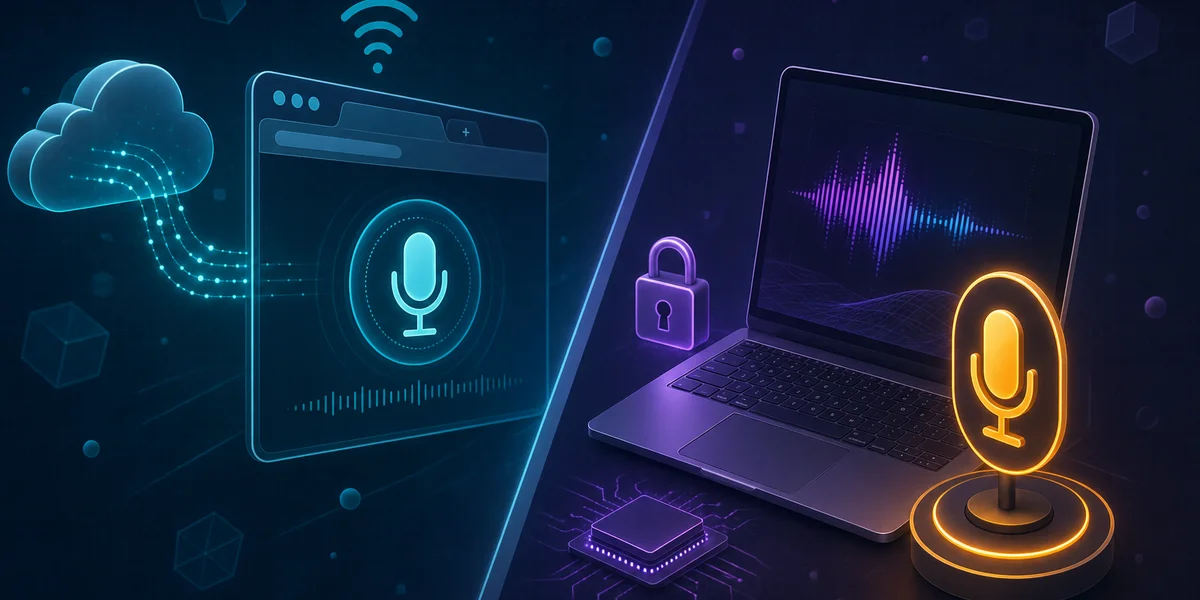
Speechnotes is a solid free, browser-based voice typing tool for casual notes in Chrome, but it cannot run offline, depends on cloud speech APIs, and is unsuitable for confidential work. The best Speechnotes desktop alternatives in 2026 are Weesper Neon Flow for private offline dictation on macOS and Windows, Apple Dictation for short Mac notes, and Dragon Professional for Windows medical and legal specialists.
Speechnotes has been around since 2015 and still attracts hundreds of thousands of users a month searching for a quick way to dictate into a browser. It is free, frictionless, and does the job for short notes. Yet a growing number of those users — and people who rely on similar web voice typing tools — are now asking the same question: is there a better Speechnotes alternative for serious daily work? This Speechnotes review compares the browser experience against modern desktop alternatives and explains when each makes sense in 2026, particularly when you care about privacy, offline operation, and reliability.
What is Speechnotes and how does it work?
Speechnotes is a free, browser-based voice typing notepad that converts speech into text using cloud speech APIs from Google and Microsoft. It launched in 2015 and operates as a Chrome extension and a web app at speechnotes.co. There is nothing to install on your machine; you open a tab, grant microphone access, and dictate.
Under the hood, Speechnotes leans on the Web Speech API, a browser interface that streams your microphone audio to Google or Microsoft servers for transcription. The vendor advertises around 95 percent accuracy on clean audio and supports a wide range of languages. A free tier carries advertising; Premium removes ads for roughly USD 1.90 per month, and a separate transcription service charges around USD 0.10 per minute.
What Speechnotes does well
- Zero install. Open a tab, click the microphone, speak.
- Free for casual use. No credit card required to start.
- Cross-platform via Chrome. Works on any OS that runs a Chromium browser.
- Decent accuracy on clean audio. Backed by Google and Microsoft engines.
- Cheap Premium tier. USD 1.90 per month is genuinely affordable.
Where Speechnotes falls short
- No offline mode. A dropped connection stops dictation immediately.
- Browser-locked. It is not a system-wide dictation tool — it only works inside its tab.
- Audio leaves your device. Your speech transits to third-party cloud APIs.
- No custom vocabulary or prompts. You cannot teach it your jargon.
- Limited integration. No global hotkey, no native app, no IDE plugin.
For occasional notes, that trade-off is fine. For professionals who dictate for hours a day or who handle confidential material, the limitations start to bite quickly.
Why look for a Speechnotes desktop alternative in 2026?
The main reasons users search for a Speechnotes desktop alternative are privacy, offline reliability, and integration with system-wide workflows. A desktop dictation app keeps audio on the machine, runs without internet, and works in any text field on the operating system rather than a single browser tab.
Three forces are driving the shift in 2026:
- Regulatory pressure. GDPR Article 32 requires “appropriate technical and organisational measures” for personal data, and many compliance officers now flag cloud speech APIs as a risk. HIPAA, attorney-client privilege, and corporate NDAs add similar constraints.
- Web Speech API fragility. Firefox disables the Web Speech API by default; Internet Explorer and legacy Edge never supported it. Even in Chrome and Safari, support is marked as “Unofficial / Note” on caniuse.com, and behaviour varies between versions.
- Pricing maturity. Desktop dictation used to mean an expensive one-time licence (Dragon), and Nuance no longer publishes a price for it. Modern tools like Weesper Neon Flow now offer professional-grade offline dictation for EUR 5 per month flat, undermining the cost argument for staying in the browser.
If you only ever dictate a paragraph at a time into a Google Doc, Speechnotes is fine. The moment you need to dictate into Slack, your IDE, an email client, a Notion page, or a Word document — without a browser in the loop — a desktop tool wins.
Speechnotes vs desktop dictation: feature comparison
The clearest way to see the gap is a head-to-head feature table. We compared Speechnotes against four desktop options that come up most often in user reviews and Bing searches.
| Feature | Speechnotes | Weesper Neon Flow | Apple Dictation | Dragon Professional | Otter.ai |
|---|---|---|---|---|---|
| Type | Web (Chrome) | Desktop app | Built-in (macOS/iOS) | Desktop app (Windows) | Web + mobile |
| Offline mode | No | Yes (100%) | Yes | Partial (local engine) | No |
| Platforms | Chromium browsers | macOS, Windows | macOS, iOS only | Windows only | Web, iOS, Android |
| System-wide dictation | No (tab only) | Yes (any text field) | Yes | Yes | No |
| Languages | 50+ (cloud) | 99 | 60+ | 9 | 3 |
| Custom vocabulary | No | Yes (prompts) | Limited | Yes (extensive) | Limited |
| Privacy model | Cloud (Google/MS) | Fully on-device | On-device | Local processing | Cloud |
| Session length | Browser-dependent | Unlimited | ~60 seconds cap | Unlimited | Time-limited (free) |
| Ads in free tier | Yes | N/A (no free tier) | No | N/A | Yes (free tier) |
| Price | Free / $1.90 mo | EUR 5/month | Free | Not published (one-time) | Free / $20/month |
Key takeaway: Speechnotes wins on price for casual users. Weesper Neon Flow wins on privacy, offline operation, language coverage, and integration. Apple Dictation is the best free Mac option but caps sessions. Dragon remains the heavyweight for Windows specialists. Otter.ai is a different category — it is a meeting transcription tool, not a dictation tool.
For a deeper view of how these tools rank against each other, our best voice dictation software 2026 comparison benchmarks eight tools across accuracy, latency, and pricing.
Which Speechnotes alternative fits your workflow?
The best Speechnotes alternative depends on your operating system, your privacy needs, and how much you dictate per day. Here is a short decision guide based on the patterns we see in our user base.
If you are on macOS and want privacy
Choose Weesper Neon Flow. It runs entirely offline using whisper.cpp with Metal GPU acceleration, supports 99 languages, and integrates with any text field on macOS via a global hotkey. Audio never leaves your Mac. At EUR 5 per month with no engagement, it is also the cheapest professional option. See our how to choose voice dictation software guide for the full evaluation framework.
If you are on Windows and need specialist vocabulary
Choose Weesper Neon Flow or Dragon Professional. Weesper covers most professional use cases at EUR 5 per month flat. Dragon still leads for highly specialised medical and legal vocabularies — its custom dictionaries have decades of refinement — but it is a one-time purchase with no published price and only runs on Windows. Compare both in our Dragon NaturallySpeaking alternatives 2026 review.
If you only dictate occasional notes
Stay with Speechnotes Premium or use Apple Dictation. USD 1.90 per month for ad-free Speechnotes is hard to beat for low-volume use. On Mac, the built-in dictation is free and works for short bursts. Switch to a paid desktop tool only when you cross roughly 30 minutes of daily dictation — that is the threshold where the time savings clearly justify the spend.
If you handle confidential or regulated work
Use an offline desktop tool, period. Cloud speech APIs are not GDPR-, HIPAA-, or NDA-friendly by default, regardless of vendor promises about deletion. The only way to guarantee that audio never leaves your device is to process it on your device. Weesper Neon Flow is built around that principle from the ground up.
If you need meeting transcription, not dictation
Speechnotes is not the right tool, and neither are most desktop dictation apps. Look at Otter.ai or Descript for live meeting capture, speaker diarisation, and shared transcripts. Dictation tools optimise for first-person live typing; transcription tools optimise for after-the-fact processing of multi-speaker audio.
How to migrate from Speechnotes to a desktop dictation app
Migrating from a browser tool to a desktop app is straightforward, but a few habits change. Here is a practical four-step process based on how our users typically transition.
- Install and grant permissions. Download Weesper Neon Flow (or your chosen alternative), grant microphone access at the OS level, and complete the initial language model download. Weesper ships with a 15-day free trial — no credit card required.
- Set a global hotkey. Desktop apps run system-wide. Pick a hotkey you can press without thinking — many users favour a function key or a chord like Cmd-Option-Space on Mac or Ctrl-Win-Space on Windows.
- Build a short custom prompt. Unlike Speechnotes, professional desktop tools let you teach the engine your jargon, names, and acronyms. Start with a 5- to 10-line prompt covering your most common terms; you will see accuracy jump within the first few sessions.
- Practise in low-stakes contexts first. Dictate Slack messages, Notion notes, and personal emails for a week before tackling a long client report. Muscle memory matters: speech-to-text is roughly 3x faster than typing once you trust the tool.
For deeper setup tips and troubleshooting, our Help Center covers hotkey customisation, prompt engineering, and language model selection in detail.
Common migration concerns
Three questions come up most often when people leave a browser dictation tool for a desktop app. Notes stay yours: Speechnotes saves locally in the browser, so export as text before switching. Offline is genuinely faster on modern hardware — Weesper’s whisper.cpp engine with Metal acceleration transcribes at 5x to 10x real-time, with no network round-trip. Accuracy parity is no longer an issue: modern offline models hit 3 to 5 percent word error rate on clean audio and beat cloud tools in noisy rooms.
Verdict: Speechnotes review and final recommendation
Speechnotes is a good free tool for what it is — a browser-based voice typing notepad. It is not built for, and should not be used for, confidential or sustained professional work. The Web Speech API foundation makes it dependent on Chromium, online connectivity, and third-party cloud servers. For students, occasional users, and anyone who only needs a quick Chrome-based notepad, the Premium tier at USD 1.90 per month is a fair deal.
For everyone else — professionals, multilingual users, regulated industries, and anyone who values privacy or works offline — a desktop alternative is the right choice in 2026. Weesper Neon Flow is the most balanced offline dictation app: 100 percent on-device, 99 languages, EUR 5 per month, no engagement, native macOS and Windows apps. Dragon Professional remains the reference for Windows specialists who need extensive custom vocabularies and have the budget. Apple Dictation is the right free option for short Mac notes.
The voice dictation market is growing at 17 percent CAGR, and the centre of gravity is moving from web-based tools toward private, offline desktop apps that integrate with the rest of the operating system. Speechnotes still serves a useful niche, but it is no longer the obvious default it was in 2015.
Ready to try a private, offline alternative? Start your free 15-day Weesper trial — no credit card required — or explore the documentation to see whether it fits your workflow.